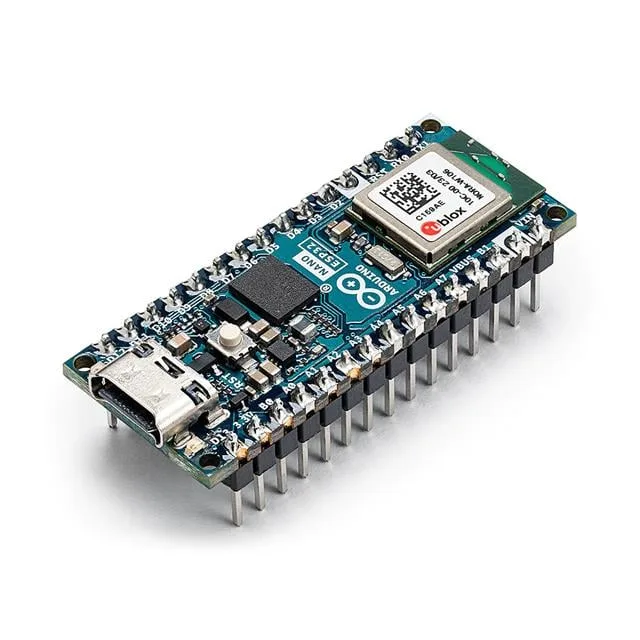
"ESP32" is a family of chips from Espressif. They all have Wi-Fi, run the same Arduino and ESP-IDF code with small changes, and use 3.3 V logic. The chip decides what the board can do; the board decides how easy it is to use.
The short answer
- Not sure? Get an ESP32-S3 board. Fast, plenty of pins, native USB, Bluetooth LE 5 and good support for cameras and small AI models.
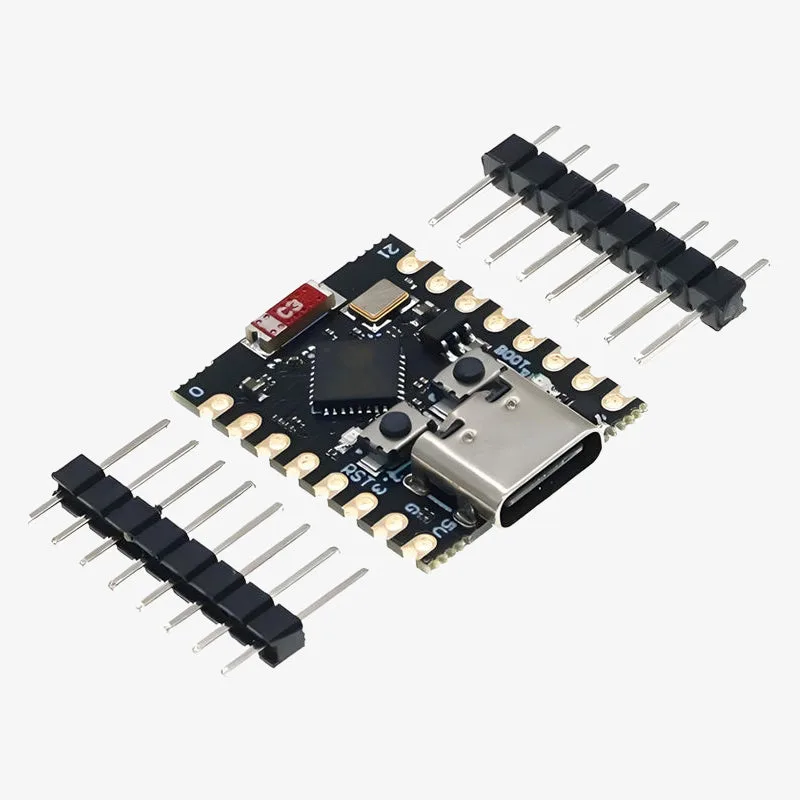
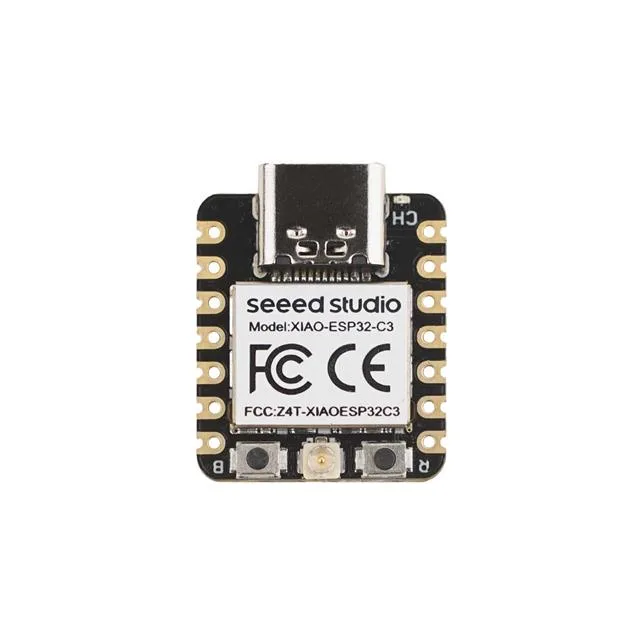
- Small and cheap sensor node: an ESP32-C3 board such as the C3 Super Mini or XIAO ESP32C3.
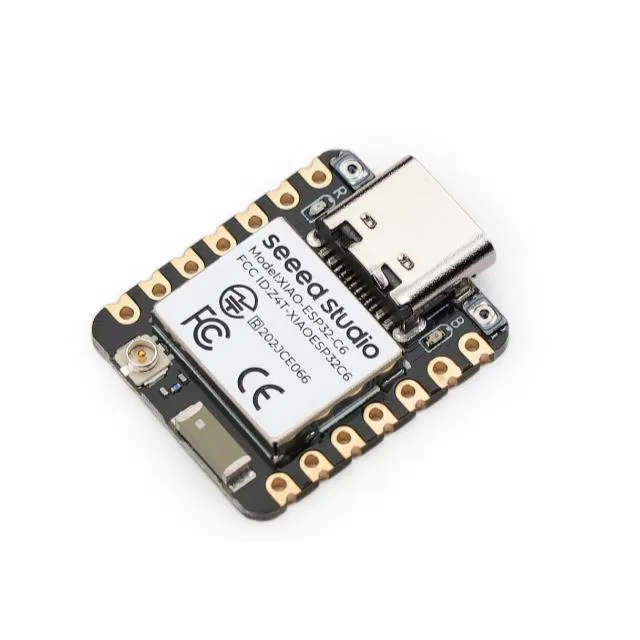
- Smart home with Matter, Thread or Zigbee: ESP32-C6, the only one here with Wi-Fi 6 and an 802.15.4 radio.
- Classic Bluetooth (audio, old serial modules): the original ESP32. The newer chips only have Bluetooth LE.
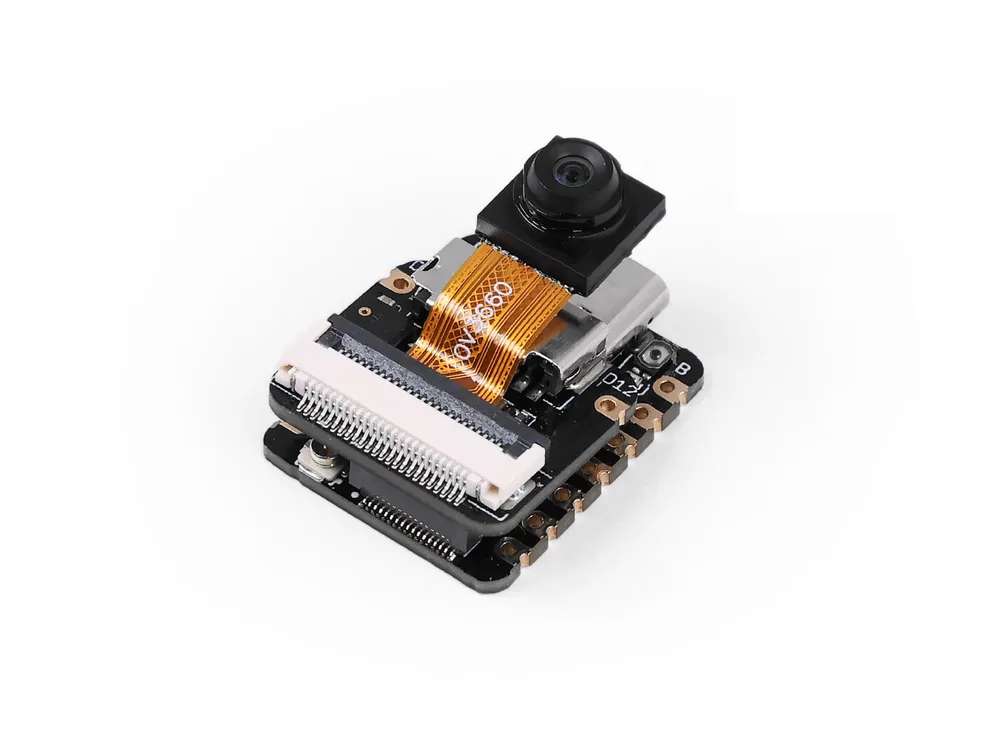
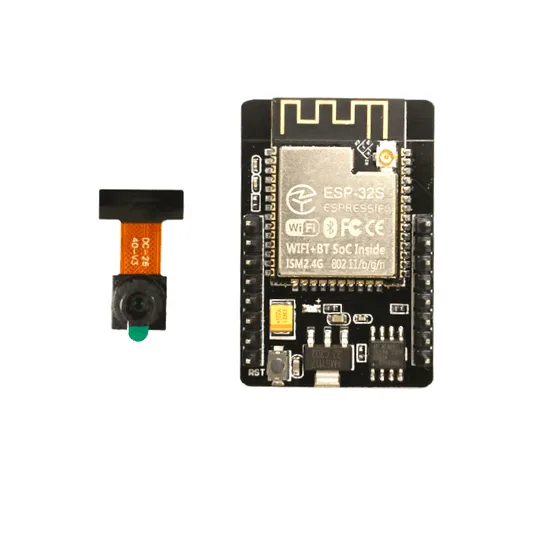
- Camera streaming on a budget: an ESP32-CAM or, better, a XIAO ESP32S3 Sense.
The chips compared
| Chip | CPU | Wireless | Good for |
|---|---|---|---|
| ESP32 (original) | 2 × Xtensa LX6, 240 MHz | Wi-Fi 4, Bluetooth Classic + LE 4.2 | Most tutorials, Bluetooth audio and serial, many ADC and touch pins |
| ESP32-S3 | 2 × Xtensa LX7, 240 MHz | Wi-Fi 4, Bluetooth LE 5 | Native USB, cameras, displays, AI on the edge, lots of GPIO |
| ESP32-C3 | 1 × RISC-V, 160 MHz | Wi-Fi 4, Bluetooth LE 5 | Low cost, small boards, simple sensors and relays |
| ESP32-C6 | 1 × RISC-V, 160 MHz | Wi-Fi 6, Bluetooth LE 5, Thread/Zigbee | Matter and smart home, low-power Wi-Fi |
| ESP32-P4 | 2 × RISC-V, 400 MHz | None on the chip | Touch screens and cameras; boards add a C6 for wireless |
The older ESP8266 is still around in boards like the D1 Mini. It is fine for a simple Wi-Fi switch, but has one analog input, fewer pins and no Bluetooth. For new projects, a C3 costs about the same and does more.
What to check on the board
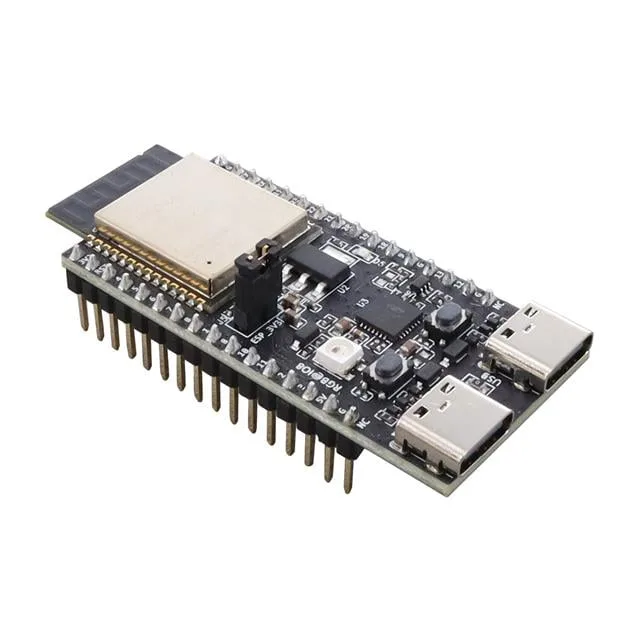
USB. S3, C3 and C6 boards often connect the chip's own USB straight to the port, so no driver is needed. Other boards use a USB-serial chip (CP2102 or CH340); Windows may need the CH340 driver. Some S3 boards have two USB-C ports, one for each.
Flash and PSRAM. A name like "N16R8" means 16 MB flash and 8 MB PSRAM. Cameras, displays and AI models need PSRAM; a sensor node doesn't.
Size and pins. DevKit boards fit a breadboard and break out almost every pin. XIAO and Super Mini boards are thumb-sized with fewer pins, ideal inside a small case. Feather and Thing Plus boards add a LiPo charger and a Qwiic/STEMMA connector.
Antenna. A PCB antenna is fine indoors. A u.FL connector lets you add an external antenna for range or inside a metal box.
Battery. Want to run from a LiPo? Pick a board with a charger built in (Feather, Thing Plus, XIAO, Olimex DevKit-LiPo), and check its deep-sleep current if it must last for months.
Common mistakes
- Feeding 5 V into a pin. ESP32 pins are 3.3 V only. Use a divider or level shifter for 5 V signals: see the voltage divider calculator.
- ADC2 pins with Wi-Fi on the original ESP32. Those analog inputs stop working while Wi-Fi is on. Use the ADC1 pins (GPIO 32–39).
- Strapping pins. On the original ESP32, GPIO 0, 2, 5, 12 and 15 affect booting; avoid pulling them high or low with your circuit. Each chip has its own list in its datasheet.
- Powering motors from the board. The 3.3 V regulator gives only a few hundred mA. Use a separate supply and a motor driver.
- ESP32-CAM has no USB. It needs a USB-serial adapter or the "MB" programmer board to upload code.